Clear data categories make the rollout easier to trust.
The exact setup depends on the customer, enabled modules and integrations. These categories make the rollout easier to explain to users, finance and IT.
Account and company setup
Names, email addresses, team structure, roles, work schedules, rates, customers, projects and settings that make the workspace usable.
Personal timeline context
Activity signals that help the user remember work. This layer is personal until the user turns it into submitted hours.
Submitted and approved hours
Business records such as date, duration, customer, project, description, approval status, invoice status and audit context.
Integrations, support and website use
Connection settings, support messages, demo requests, necessary cookies and marketing measurement only when consent is given.
Privacy is not a promise hidden in legal text. It is a workflow.
- Private by default
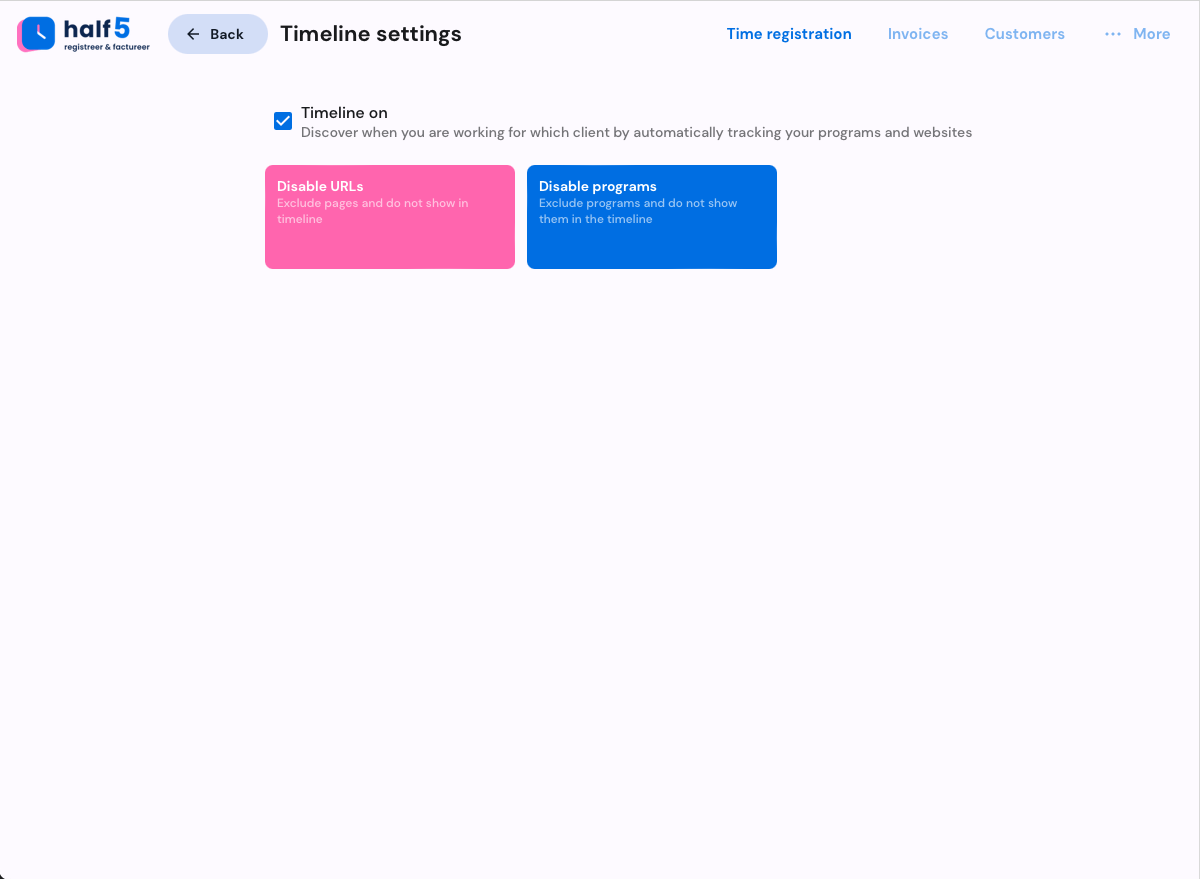
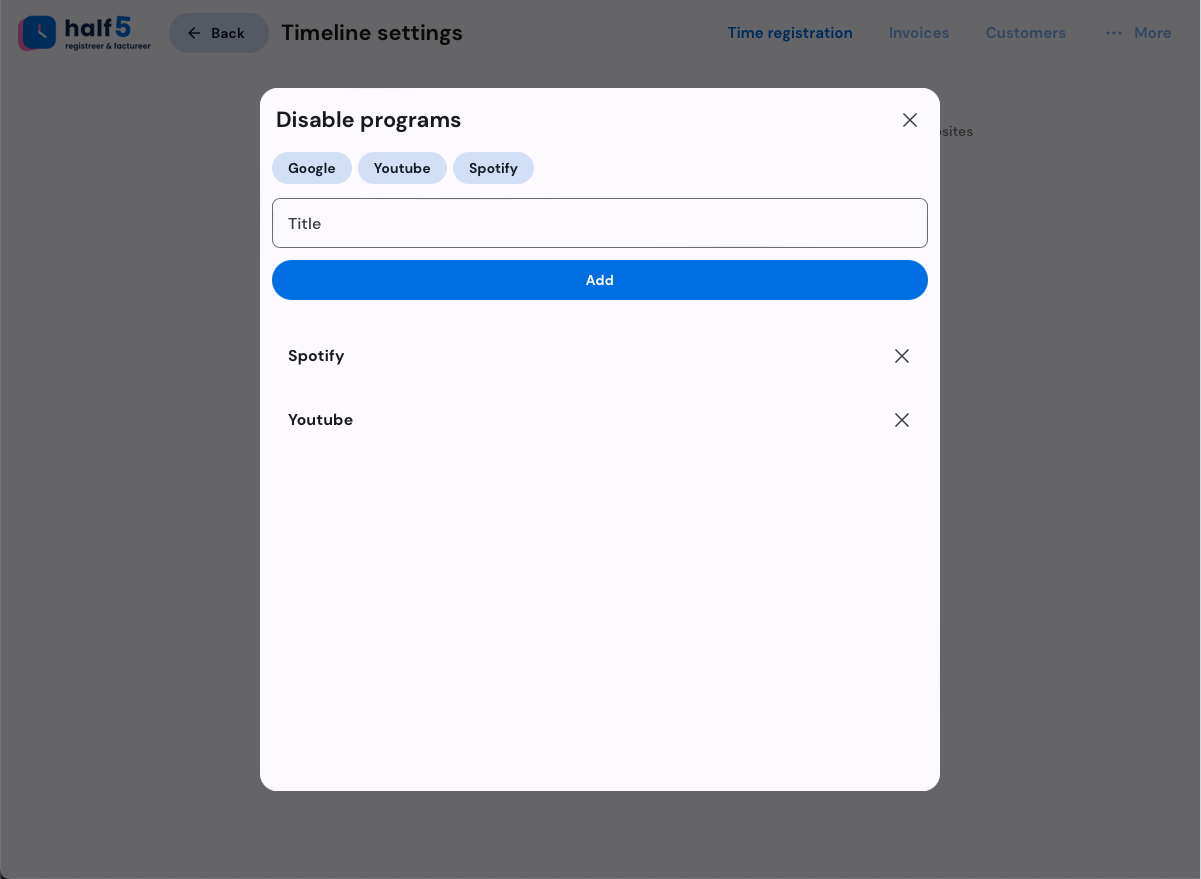
- The raw timeline is meant for the person doing the work, not as a manager feed.
- Action by the user
- Work becomes business data when the user submits or confirms a registration.
- Approval before finance
- Teams can review exceptions before hours reach invoices, exports, accounting systems or agents.
- Explicit handoff
- Integrations receive approved business output, not someone's complete private day.
The strongest privacy promise is the one every role can repeat.
Half5 keeps the raw timeline close to the user and moves only clear business records through approval, finance, integrations and agents.
Can open and correct their own raw timeline.
Chooses which suggestions become submitted hours.
Controls the first step from memory aid to business record.
No raw personal timeline feed.
See submitted hours, exceptions and approval status.
Approve work before finance or integrations use it.
No private activity history.
Receives approved customer, project, rate and invoice data.
Can explain recovered revenue without inspecting the full workday.
No access to the complete private timeline.
Use only allowed submitted, approved or invoice-ready fields.
Automate on the safe layer after user control and approval.
Your team sees what Half5 does and does not share before rollout.
The privacy conversation becomes a concrete decision view: who stays in control, who may approve, which fields reach finance and which integrations or agents may use approved output.
Visible to the user first.
Chosen and corrected by the person doing the work.
Checked before finance receives it.
Use only the approved business layer.
Data boundary
The review shows exactly where personal suggestions become submitted, approved business records.
Role matrix
Users, leads, finance, IT, integrations and agents each get the layer they need, not a raw activity feed.
Integration scopes
Each accounting package, CRM or agent can be reviewed on the approved fields it may receive.
Procurement pack
Roles, retention, support route, processor terms and security questions become a concrete buying file.
People get a route, not a maze.
Privacy questions are easy to ask. Some requests are handled by Half5, and some by the employer or organisation that manages the workspace.
- Clear view of which personal data Half5 processes.
- Correction, deletion or export requests where applicable.
- Objection or restriction where the law allows it.
- Marketing measurement consent remains adjustable via cookie settings.
The privacy conversation speeds up rollout instead of slowing it down.
Enterprise teams usually ask the same questions: roles, retention, support process, subprocessors, integrations, security and how users stay in control.
Customer as controller, Half5 as processor
When an organisation rolls out Half5, privacy agreements can define roles, instructions, retention and support responsibilities.
Website and demo requests
For website visits, contact forms and demo conversations, Half5 uses the data needed to answer the request and follow up carefully.
Suppliers and transfers
Half5 works with suppliers only when needed for hosting, email, payments, error monitoring and AI features. The subprocessor list names each one, with the data it receives.
Private timeline, business result
Automatic time tracking only works when people trust it.
Half5 turns real activity into suggestions the user controls. The company gets approved hours, not a surveillance feed.
Trust stays intact
The raw timeline stays personal. Teams work with submitted hours, approvals and invoice-ready output.
Billable value returns
Even a few missed minutes per person per day become serious revenue across a team.
Approval before invoicing
Managers review exceptions before finance receives clean data, so recovered hours stay explainable.
Choose the place where missed work already costs revenue.
Half5 shows which revenue can return, what stays personal, which hours finance may use and which systems receive approved data.
Forgotten work reappears from browser, app and file context.
Users approve or correct suggestions before sharing hours.
Finance receives approved time, not raw personal history.